Ask us something
Open Support in the dashboard and choose New ticket. Choose what it is about, say in a few words what happened, and choose Send. We email you the ticket's reference, such as T-7K3M-Q9XR.
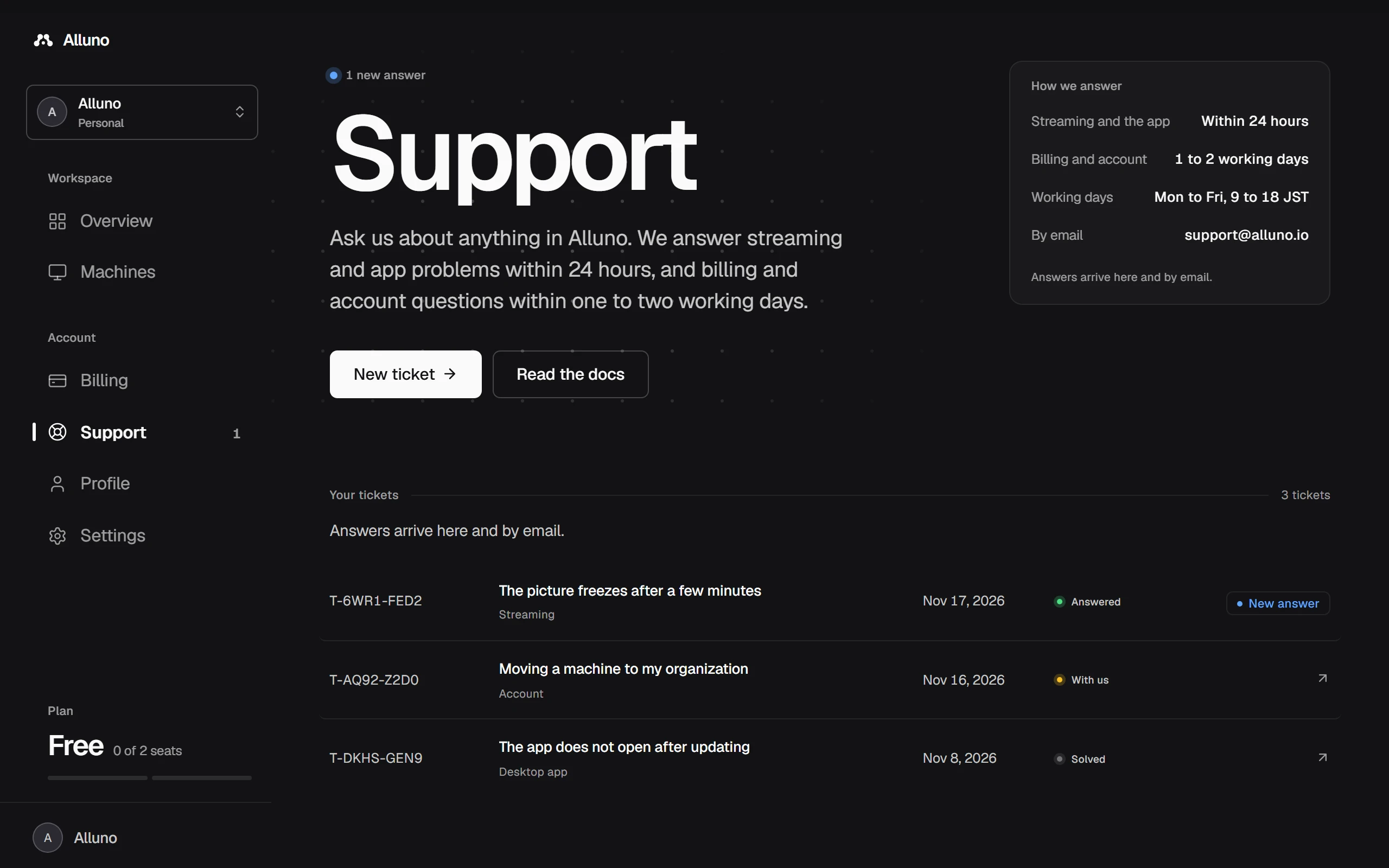
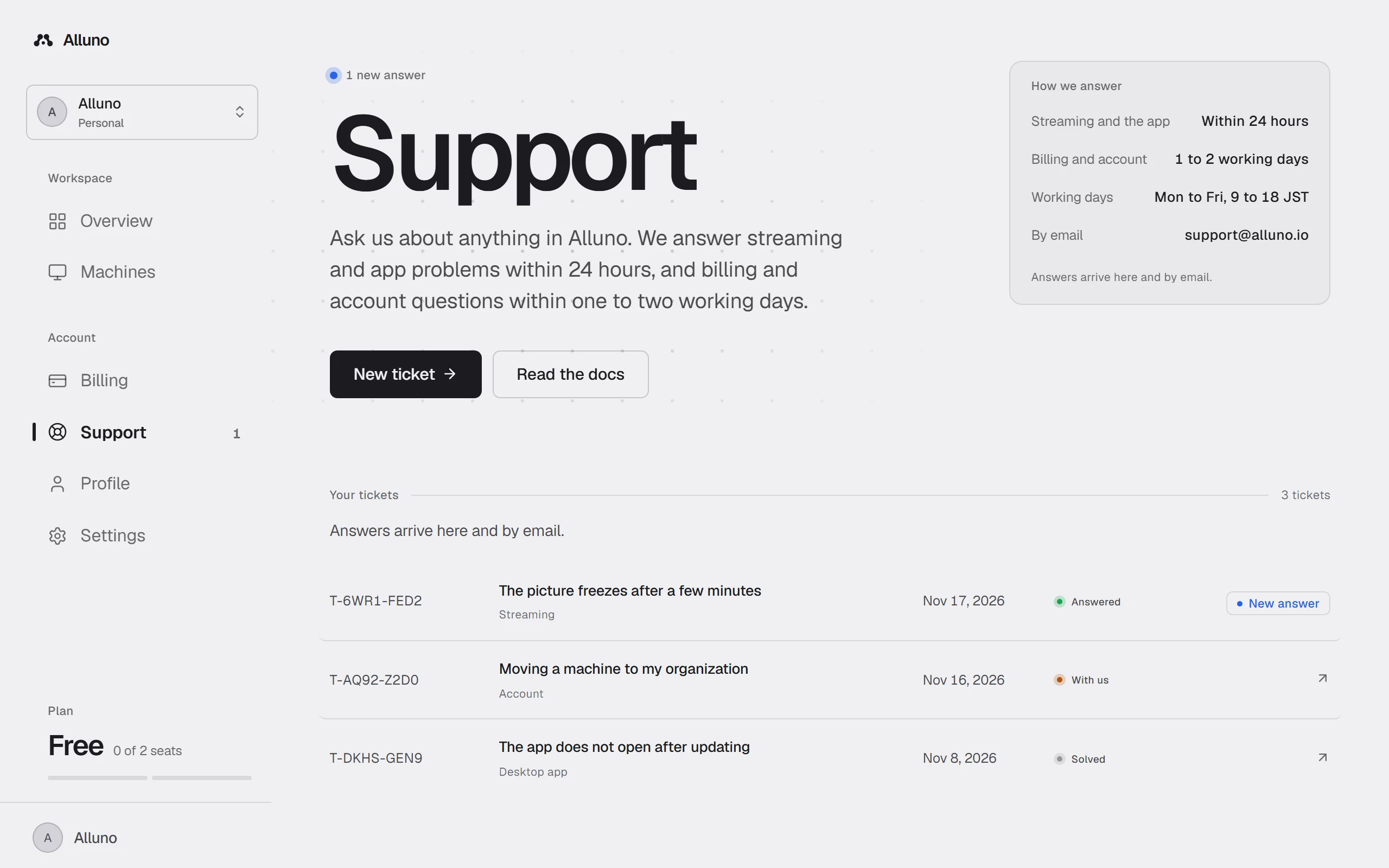
- For Billing, pick the payment it is about. For Streaming or Desktop app, pick the machine. Your plan and the machine's app version go with the ticket, so we need not ask.
- Ask about this payment on an invoice and Get help on a machine's page open a new ticket with the payment or the machine already picked.
- Support in the sidebar counts the answers you have not read yet.
How we answer
Within 24 hours.
Within one to two working days. Working days are Monday to Friday, 9:00 to 18:00 JST.
Answers show on the ticket and arrive by email. When we refund a payment, end a plan or add free time because of a ticket, the ticket says so.
Follow a ticket
We have it and are working on it.
We answered. Reply on the ticket if you need more.
It is done. Choose This solved it once an answer fixes things.
A reply within 14 days of a ticket being solved opens it again. A later reply starts a new ticket that carries on from it.
Without an account
Open the contact form, linked as Support at the bottom of every page. Give your name and email, choose what it is about and tell us what happened. We email you the reference and a private link to the ticket, where you read every answer and reply.
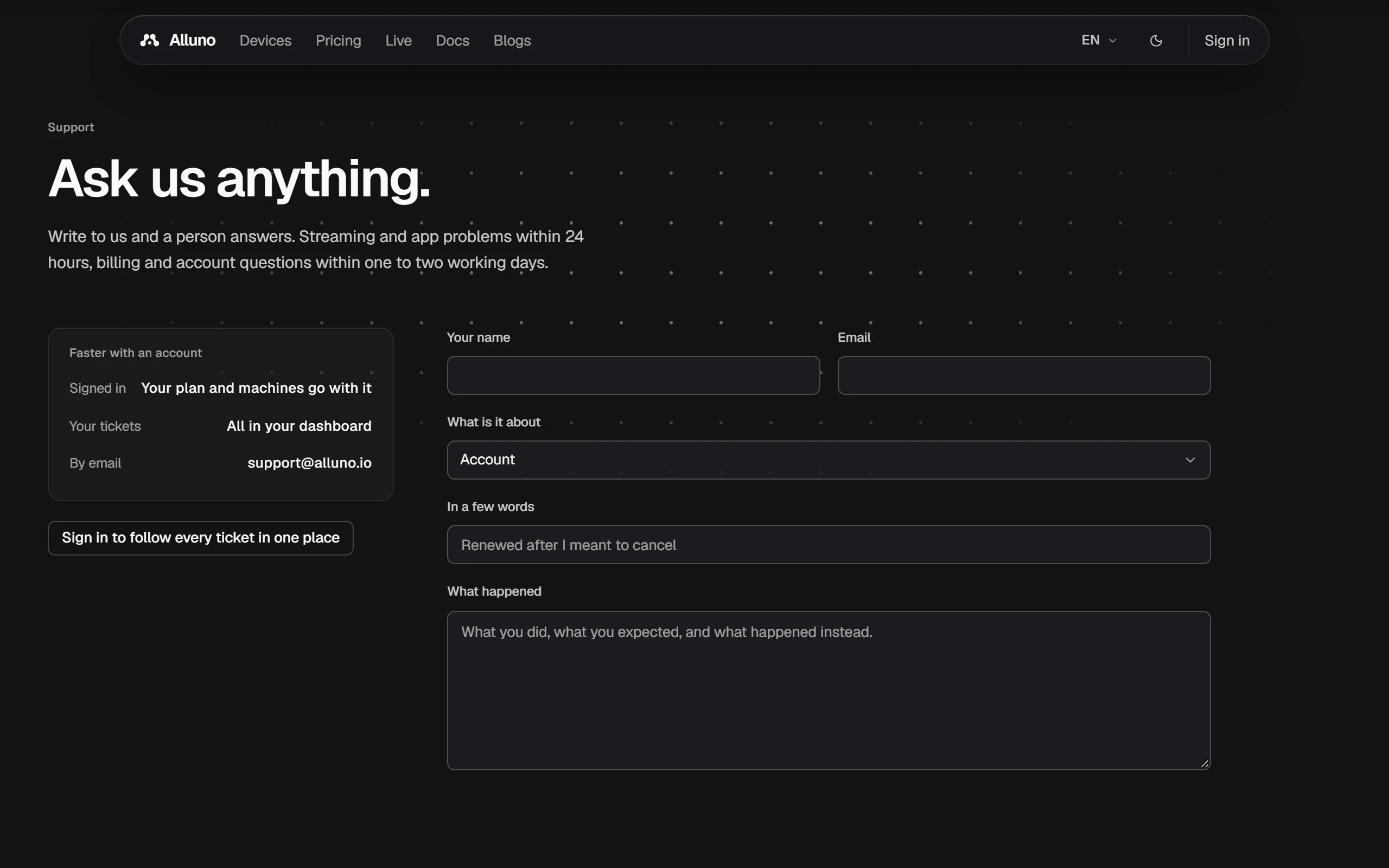
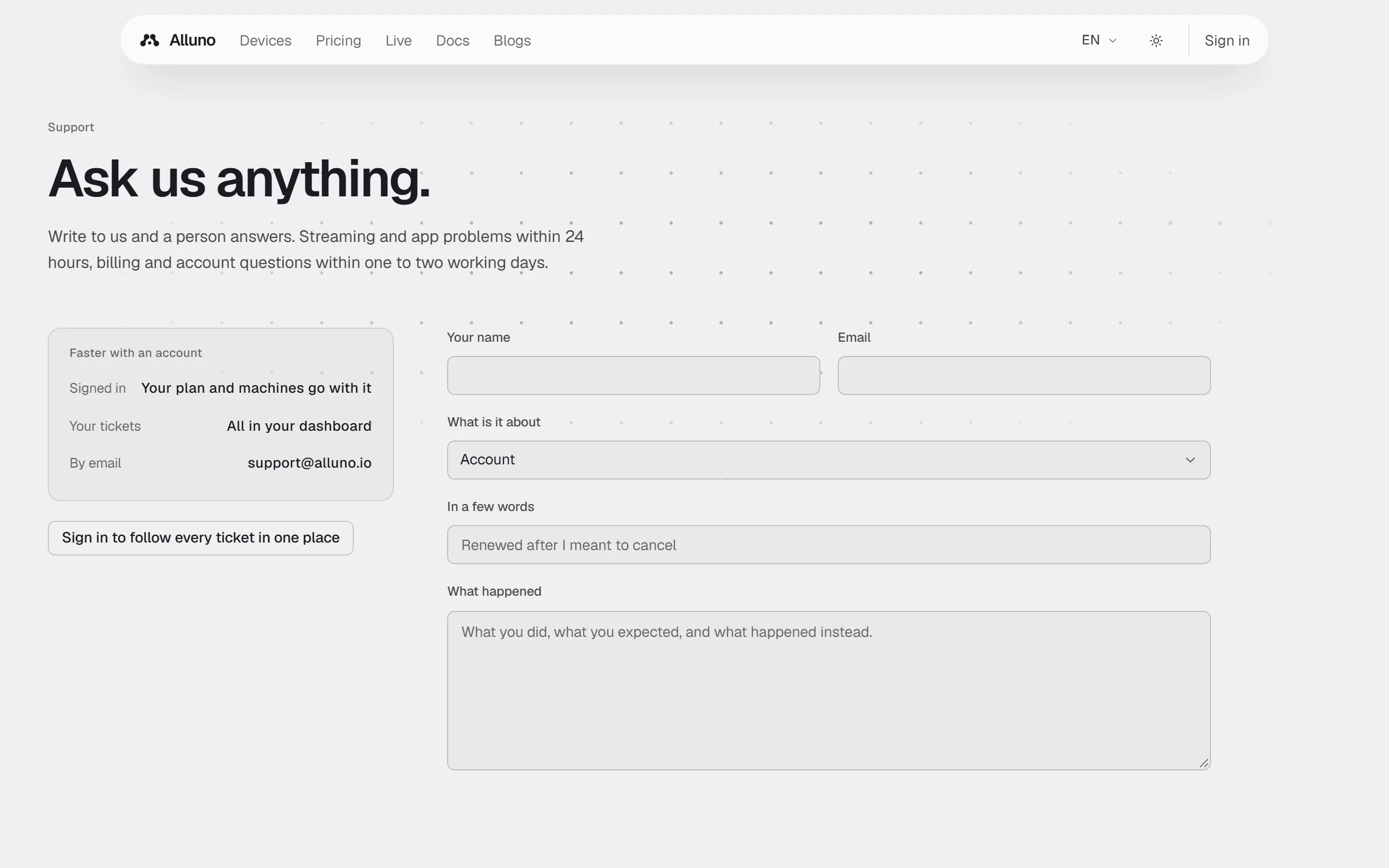
Keep the link to yourself: anybody with it can read the ticket. It stops working 30 days after the ticket is solved. Signed in, the same page takes you to Support in your dashboard instead.
Plans, billing and invoices