Start a room
Open Live. Name your room and choose Start the room. Share the link, and anyone who opens it can check their camera before joining.
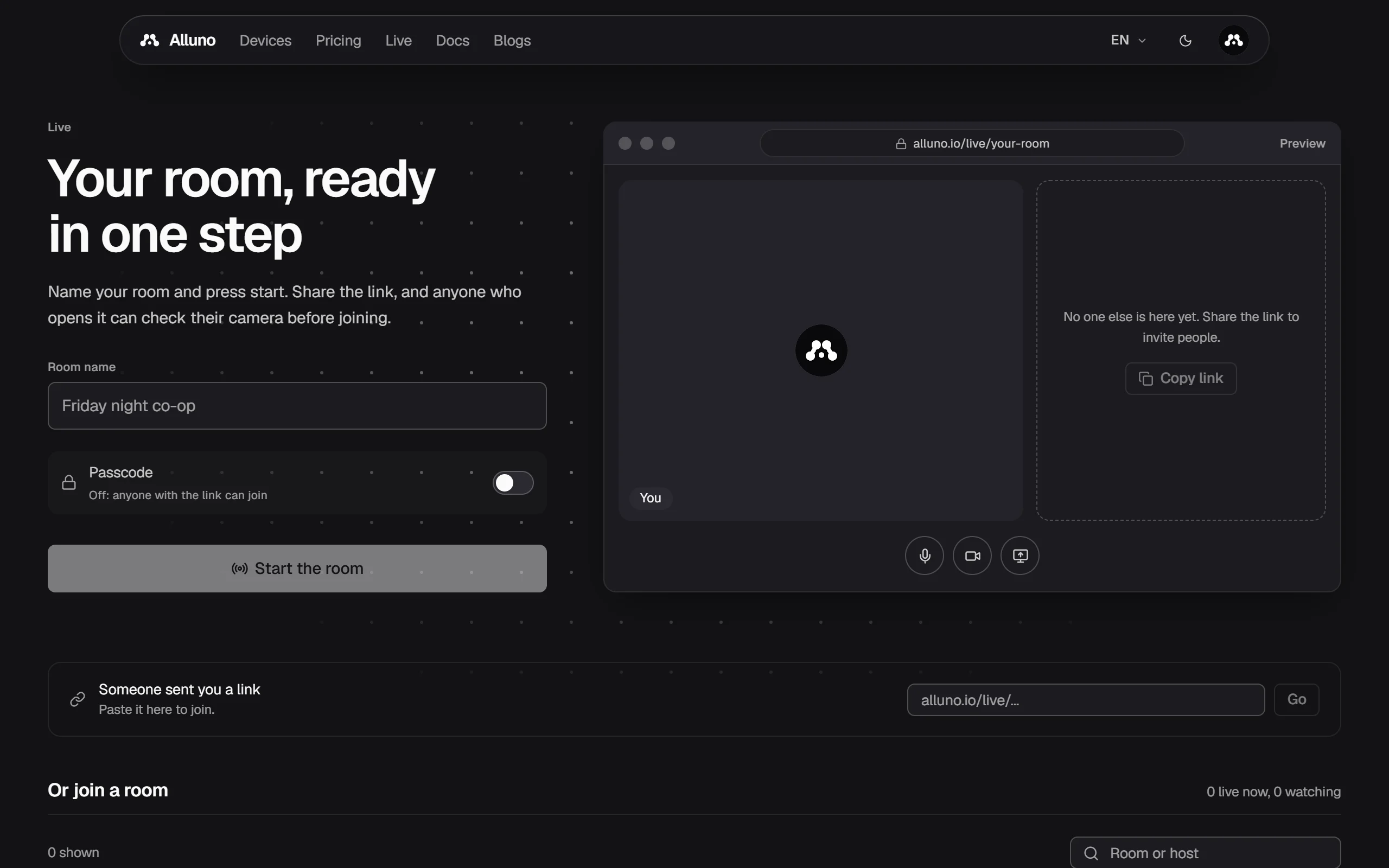
- Room name is what people see in the lobby. The room gets its own link at
alluno.io/live/.... - Passcode off lets anyone with the link join. Switch it on and choose a passcode, and everyone has to enter it to join. The room is then also hidden from the lobby's preview. Send the passcode separately from the link.
- In the room, the buttons under the picture switch your microphone, your camera and sharing your screen.
Join a room
- Someone sent you a link: paste it into the box and choose Go.
- Or join a room lists the rooms open right now. Search by room or host, and choose Join. A room marked Locked asks for its passcode.