What an organization is
An organization has its own machines and its own plan. Its owners and admins manage its machines, and its members can join them without a code.
Open Organizations in the dashboard to see the ones you belong to and your role in each. Open switches the dashboard to that organization, and the switcher at the top of the sidebar moves between your organizations and your personal workspace.
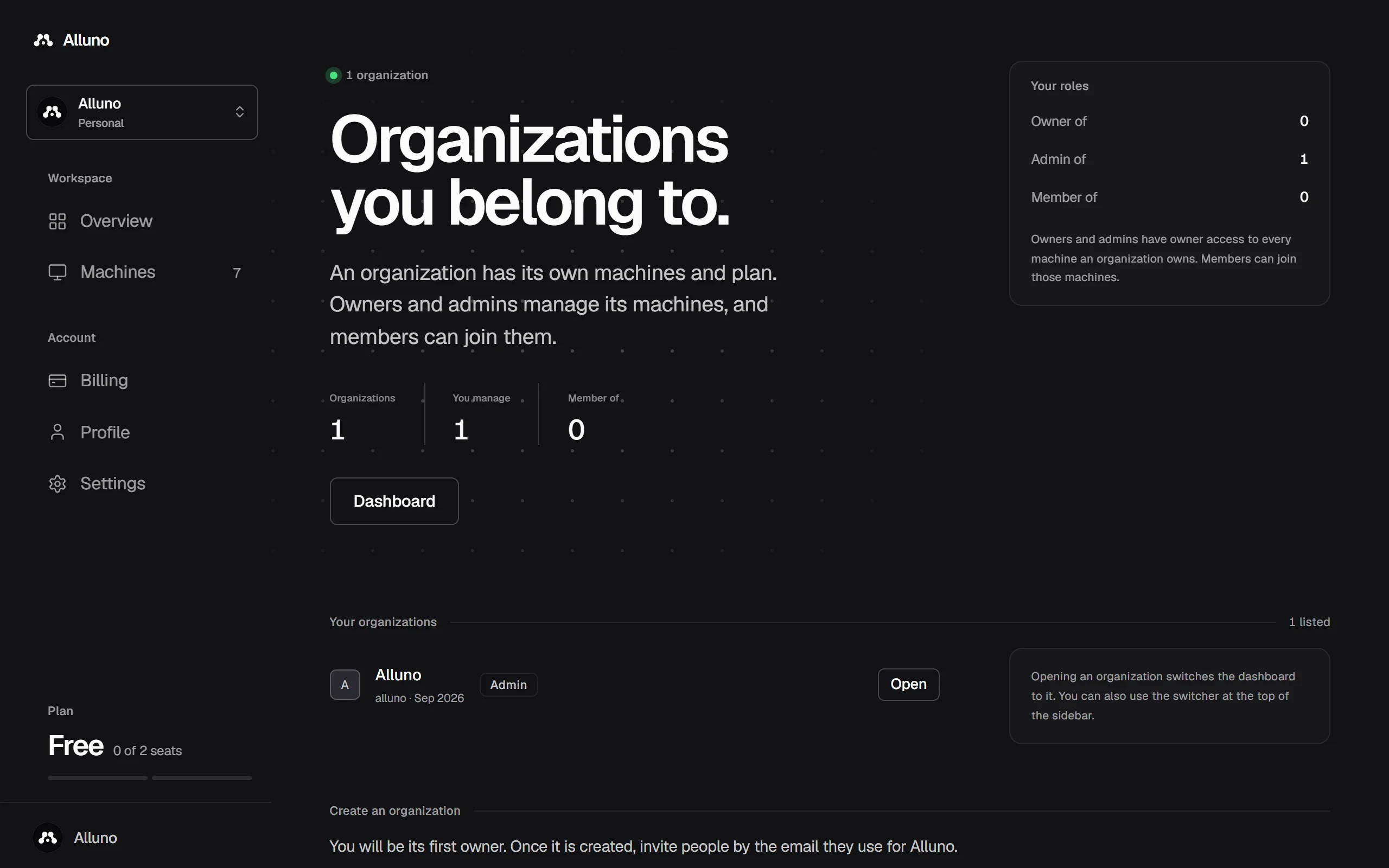
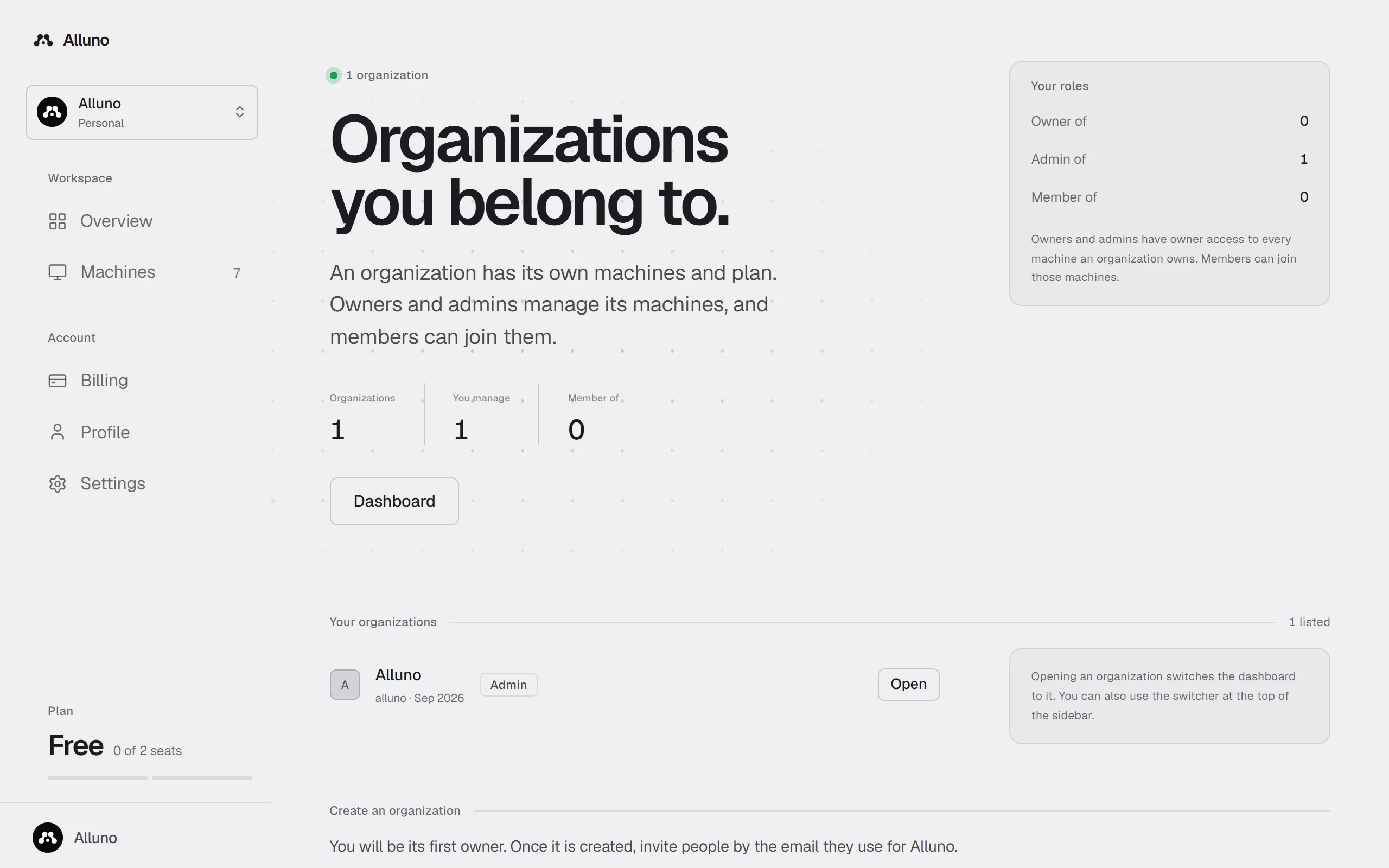
Inside an organization, Overview, Machines, Billing and Settings show the organization's own, the sidebar adds People, and the plan at the bottom of the sidebar is the organization's.
To give an organization you manage a new machine, pair it as usual and choose the organization under Pair it to. A machine you already own moves to it from the Danger zone of the machine's settings, see Machine settings.
People and roles
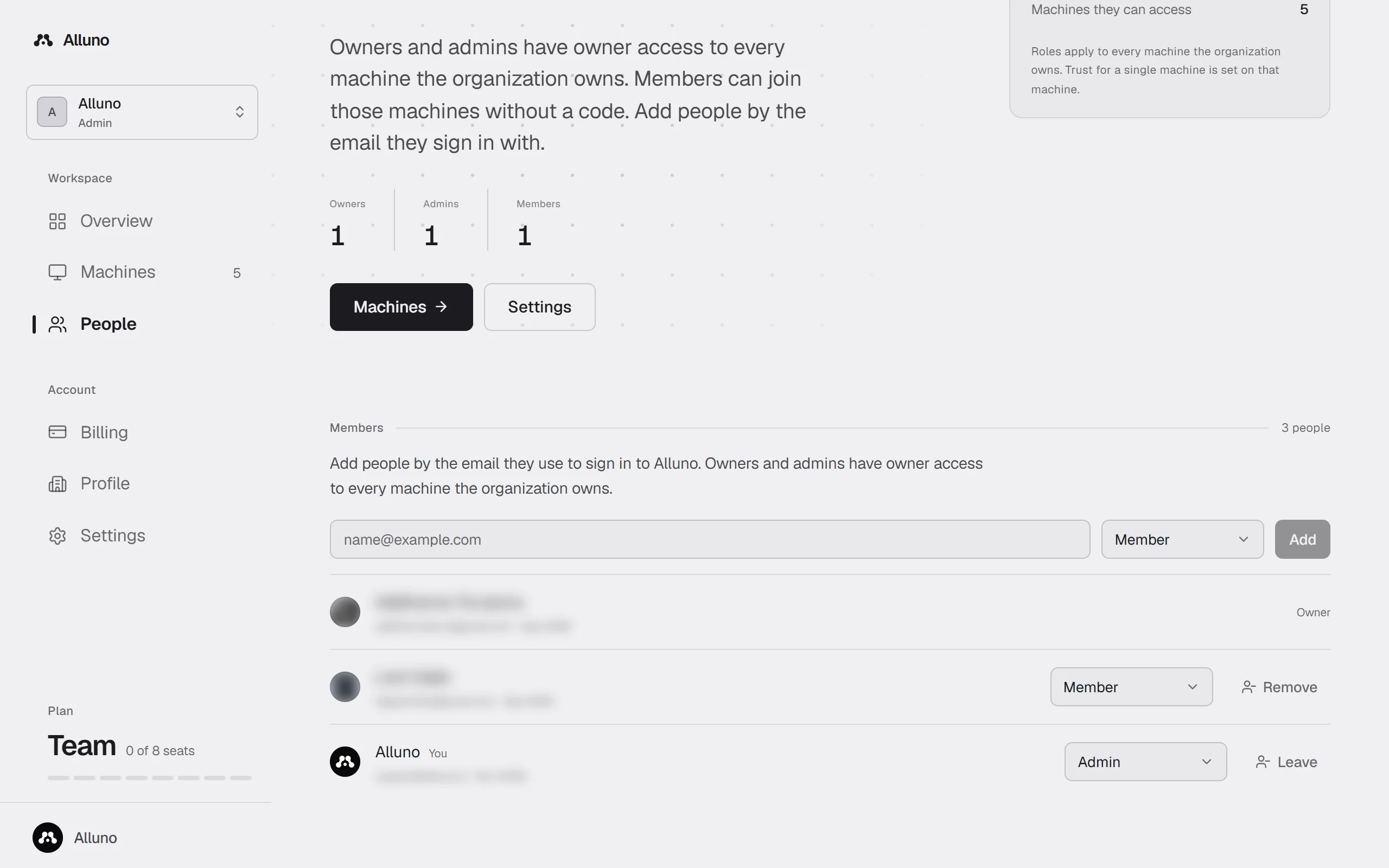
Open People to see everyone in the organization. Add someone by the email they use to sign in to Alluno, choose their role, and choose Add.
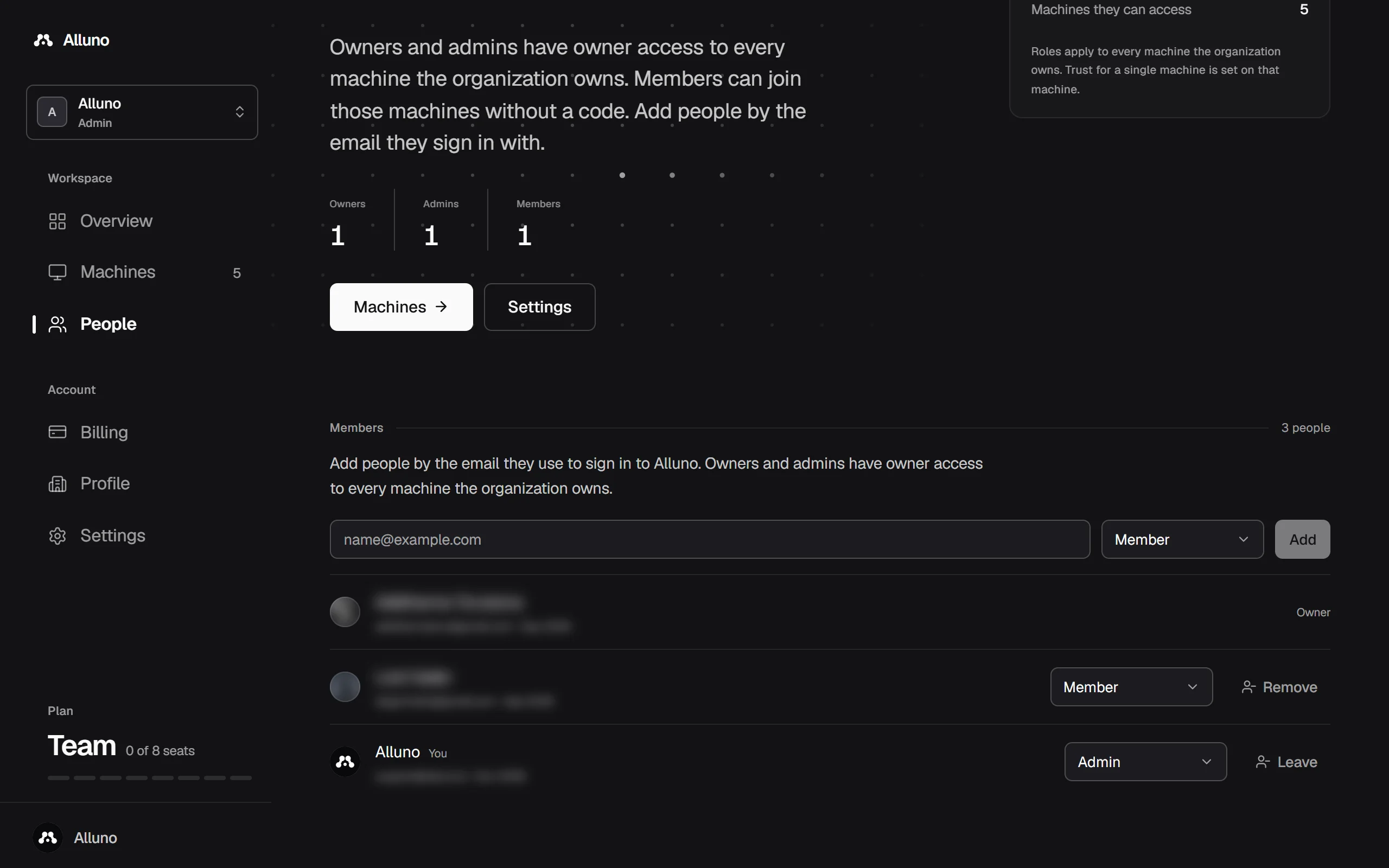
Owner access to every machine the organization owns. Only an owner can delete the organization.
Owner access to every machine the organization owns, and adds and removes people.
Joins the organization's machines without a code.
Change someone's role from the list, take them out with Remove, or take yourself out with Leave. Roles apply to every machine the organization owns. Trust for a single machine is set on that machine, see People and access.
Settings
Open Settings in the organization.
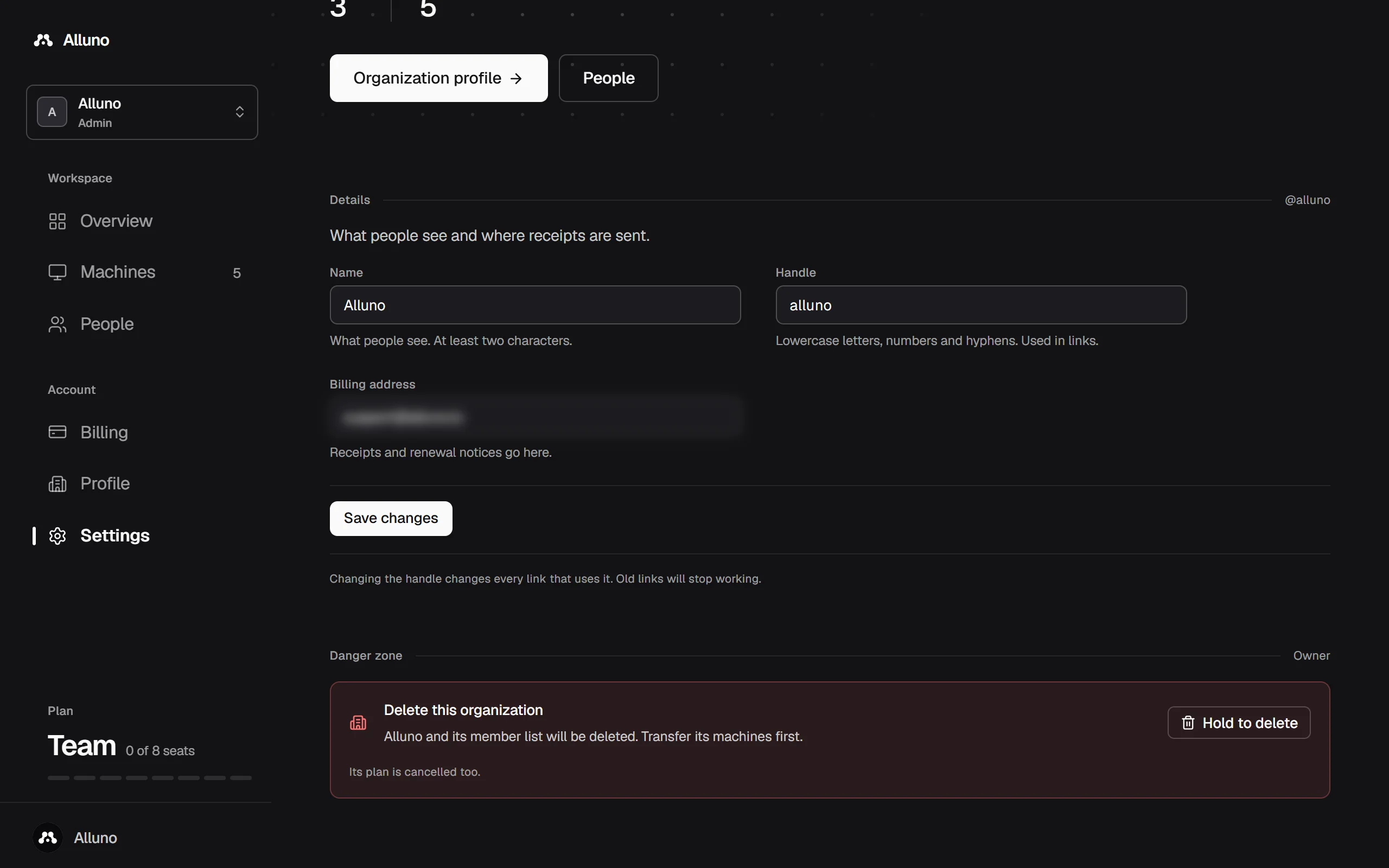
What people see. At least two characters.
Lowercase letters, numbers and hyphens, used in the organization's links. Changing it changes every link that uses it, and the old links stop working.
Receipts and renewal notices go here.
Owners and admins can change these, and members see them on the machines they use. Under Danger zone, an owner can delete the organization with Hold to delete. Its member list goes with it and its plan is cancelled, so transfer its machines first.
Create one
Fill in Create an organization on the Organizations page and choose Create organization. It asks for the same name, handle and billing address, and you become its first owner.
An organization's plan covers every machine it owns, and its members share its seats.
Plans, billing and invoices