Join a public machine
Devices lists the machines their owners made public. Anyone can open it, signed in or not.
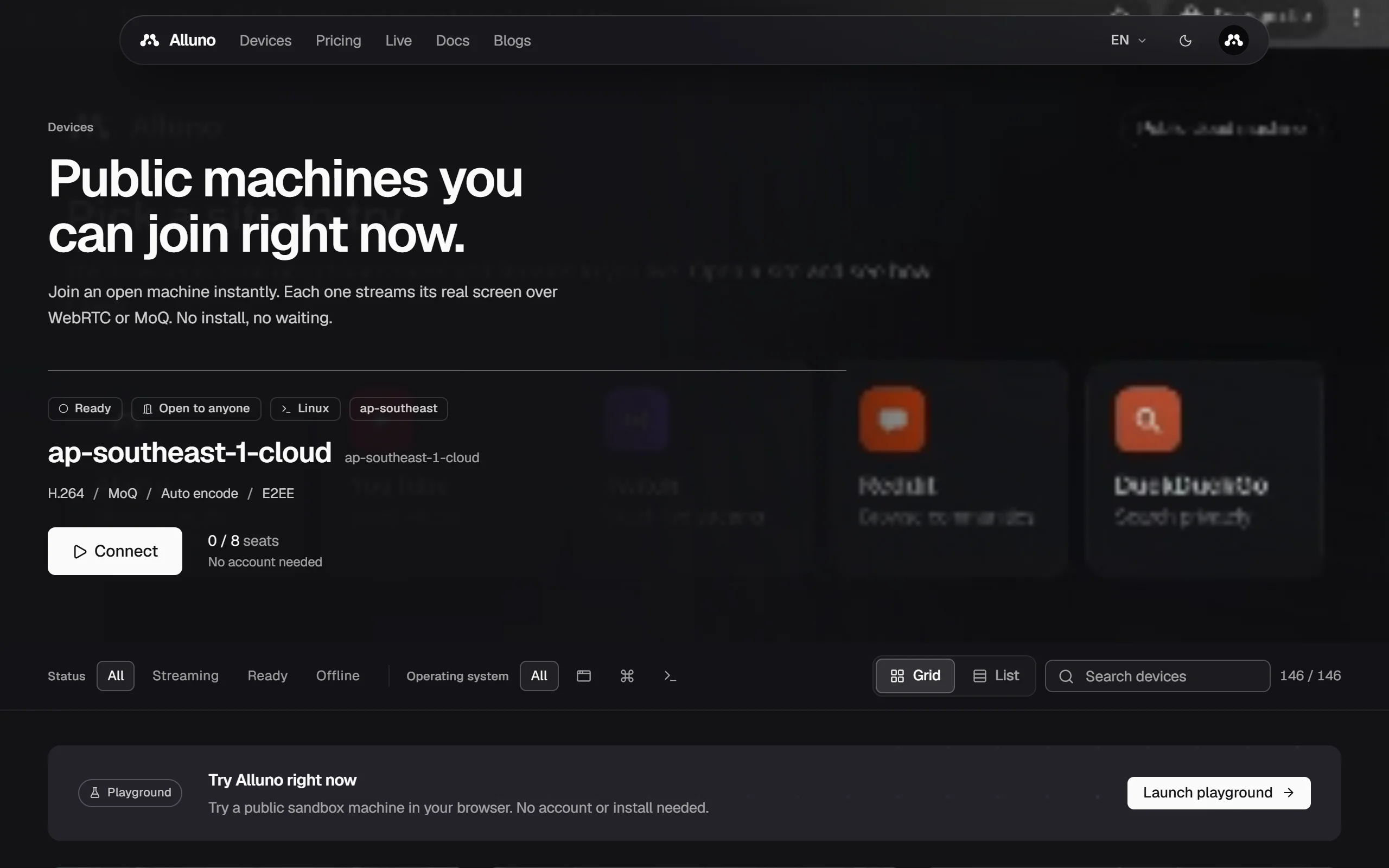
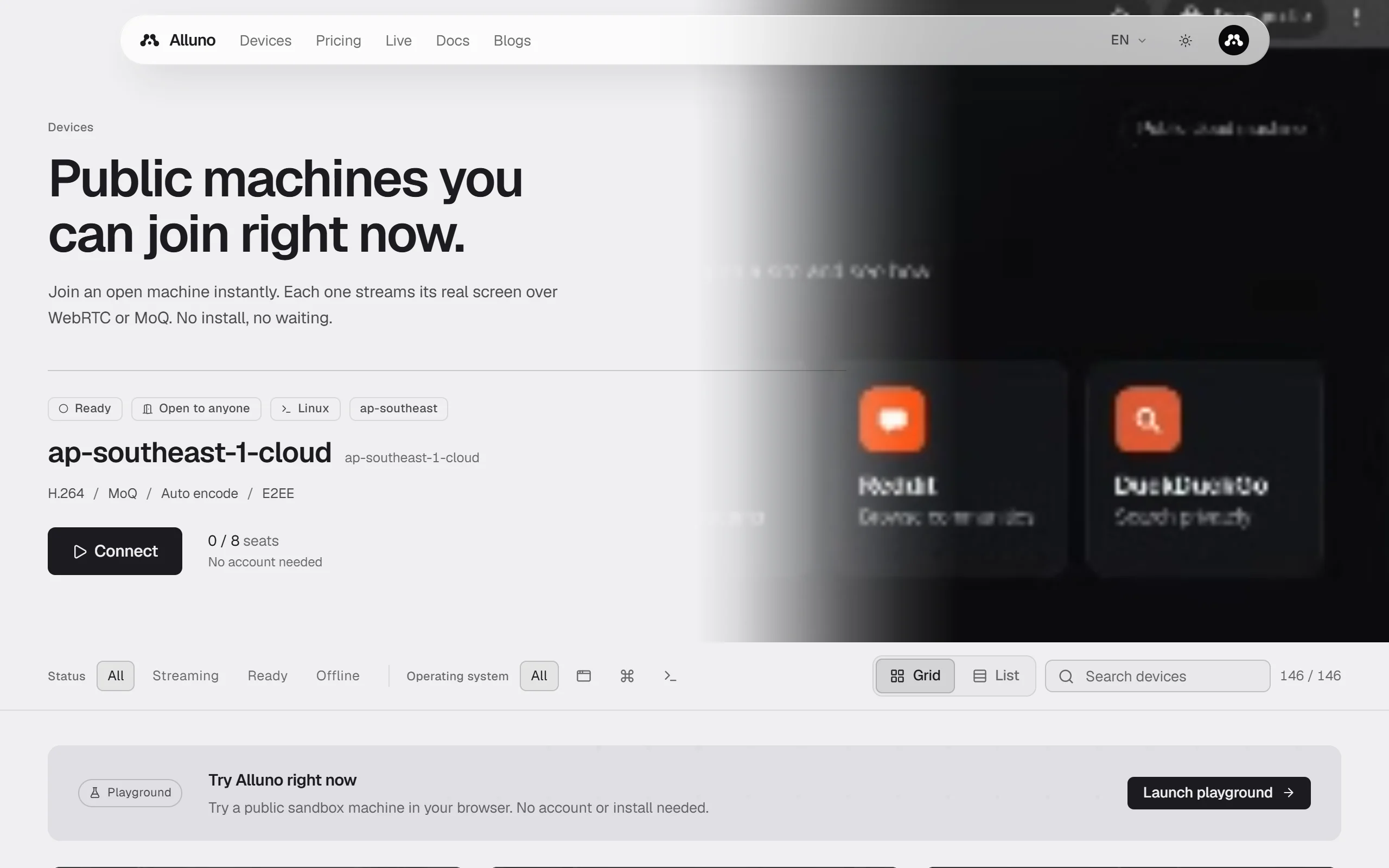
- The machine at the top shows who may join it, its system and region, how it streams, and how many seats are free. No account needed means you can join as a guest.
- Choose Connect to open it on the stream page.
- Filter by Status (Streaming, Ready or Offline) and by Operating system, switch between Grid and List, or Search devices by name.
Try the playground
Try Alluno right now opens a public sandbox machine in your browser, with no account and nothing to install. Choose Launch playground.
List your own machine
Open your machine's settings and switch on List on the public devices page. Listing only makes the machine visible: who may join still follows its access level. To let anyone in without a code, set it to Open to all.
On a paid plan, its tile can play a preview clip of a recent session. Only a clip a viewer's browser recorded is shown, and you can clear it at any time.
Machine settings