Who is connected
Open the menu on the Alluno bar and choose Clients. The number beside it in the menu counts the people connected.
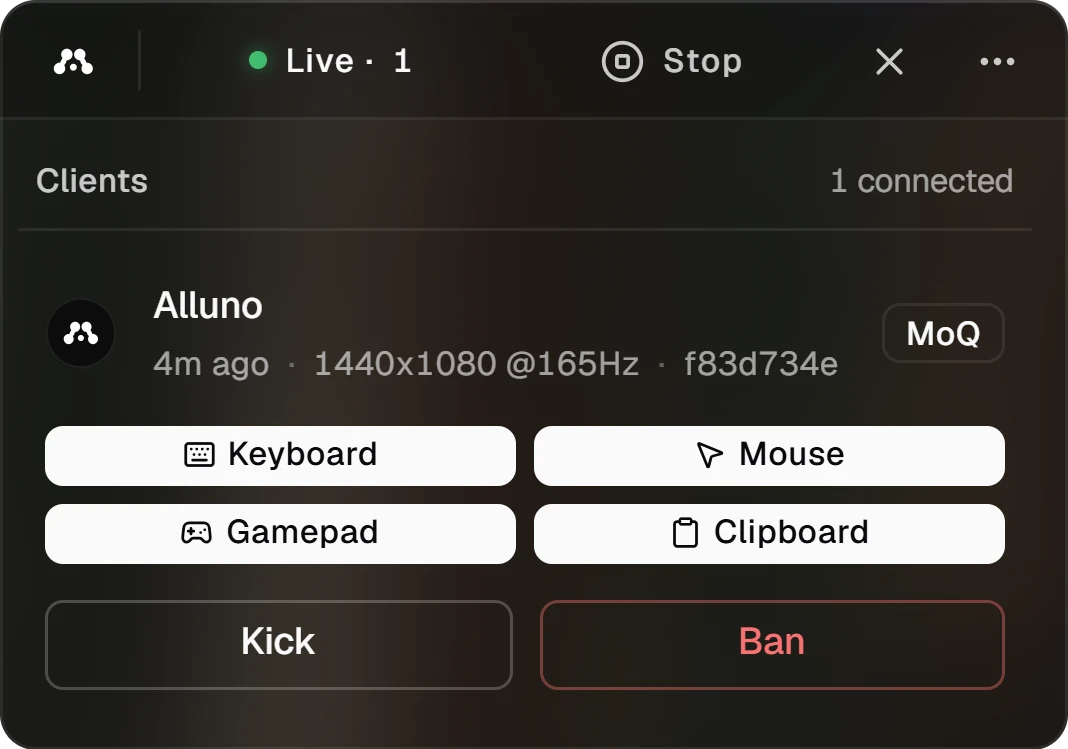
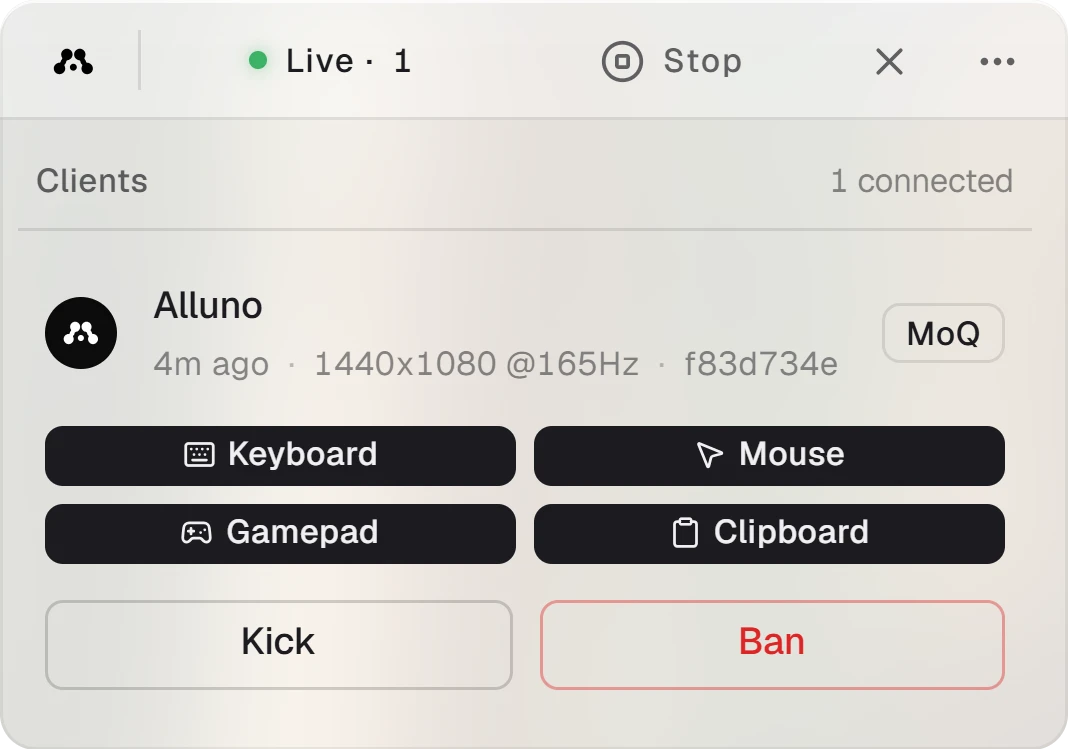
- Each card shows the person's name and picture. Someone who is not signed in shows as Guest with a short code.
- Under the name: how long ago they joined, the resolution and refresh rate their browser asked for, and the start of their connection ID.
- The badge on the right is their transport, MoQ or WebRTC.
What each person may control
Keyboard, Mouse, Gamepad and Clipboard are switches for that one person. A filled switch means allowed. Click one to allow or block it, and it takes effect right away.
They apply to this person while they are connected. To choose what anyone may control on this computer, use Control in Network and control.
Disconnect or ban
- Kick disconnects the person.
- Ban asks you to confirm first. Confirm ban disconnects the person and blocks their account from this computer. Bans are managed on the dashboard at alluno.io.