What Pair shows
Open the menu on the Alluno bar and choose Pair.
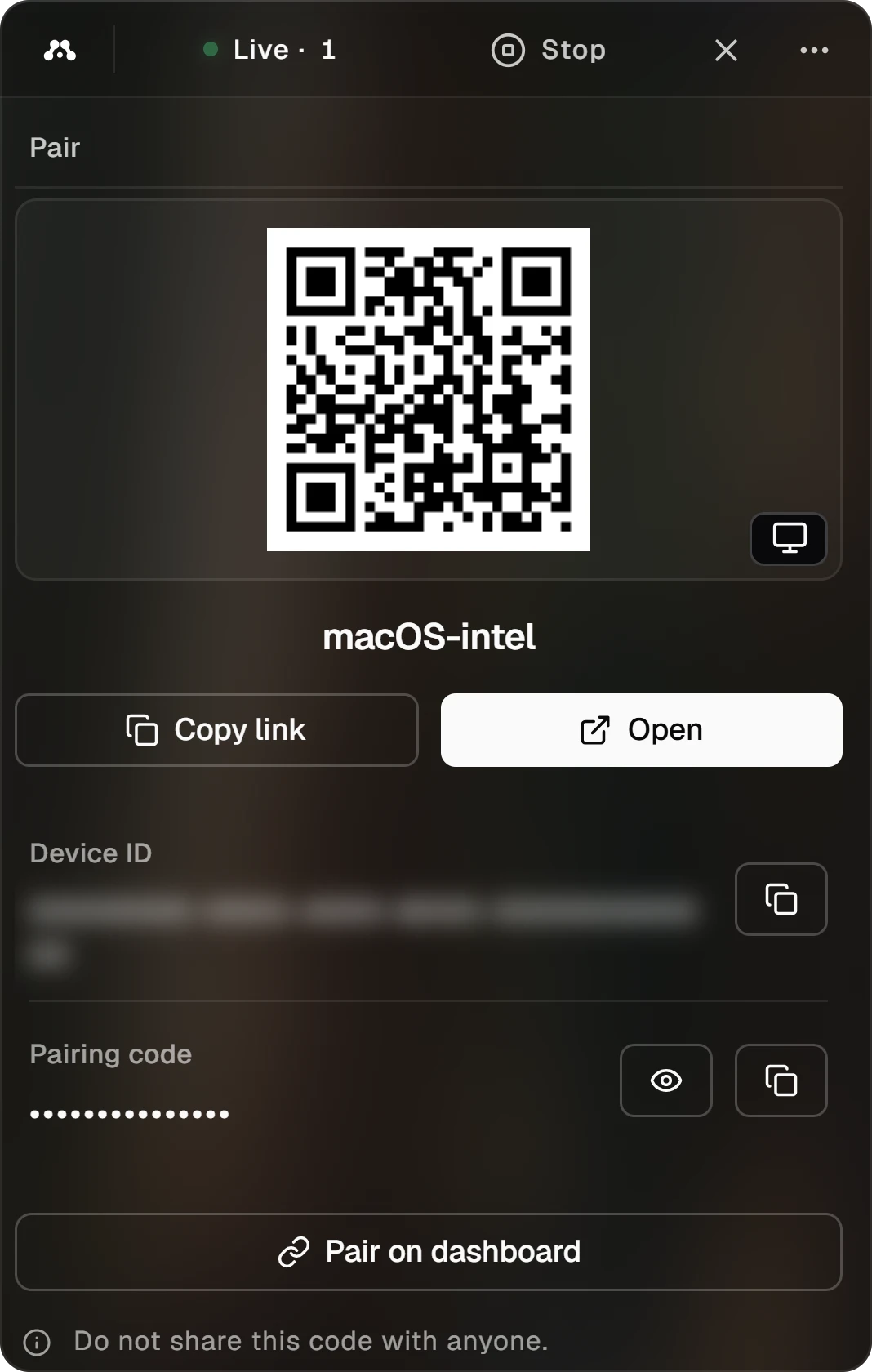
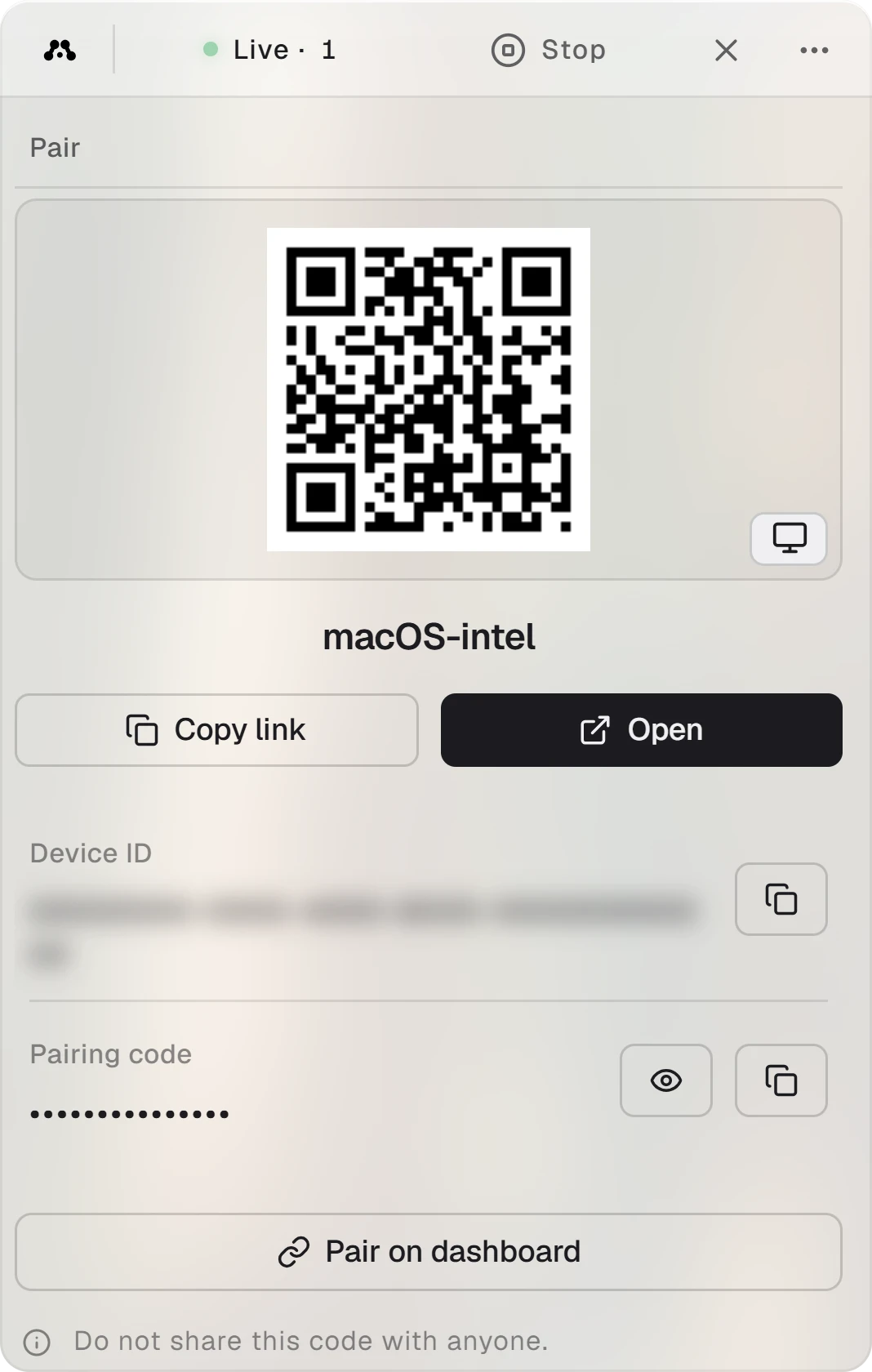
- The QR code holds this computer's stream link. Scan it with a phone to open the computer there, or click it to copy the link. The small button in its corner swaps the code for the computer's platform icon.
- Under it is the computer's name, the one your dashboard shows.
- Copy link copies the stream link, and Open opens it in your browser.
- Device ID tells Alluno which computer this is. The dashboard calls it the Device PID. The button beside it copies it.
- Pairing code stays hidden. The eye shows it, and the button beside it copies it.
- Pair on dashboard opens the dashboard in your browser with the Device ID and the pairing code already filled in.
While the stream is off there is no link yet, and the panel asks you to start the stream first.
Pair in one click
Choose Pair on dashboard
The dashboard opens in your browser at Pair a machine, with both fields filled in. Sign in first if it asks.
Confirm
Choose Pair machine. The computer joins your account and shows up on your dashboard.
To pair from another device instead, open the dashboard there, choose Pair a machine, and type the Device ID and the pairing code. The code is 15 letters and numbers, and capitals matter.
People connected