Background service
Open the menu on the Alluno bar and choose Features.
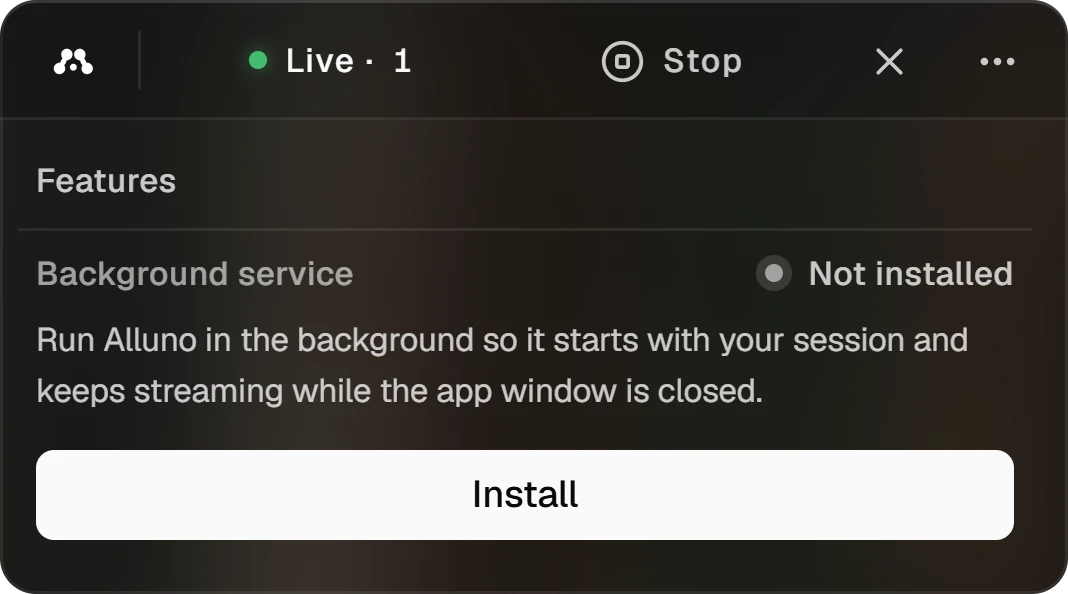
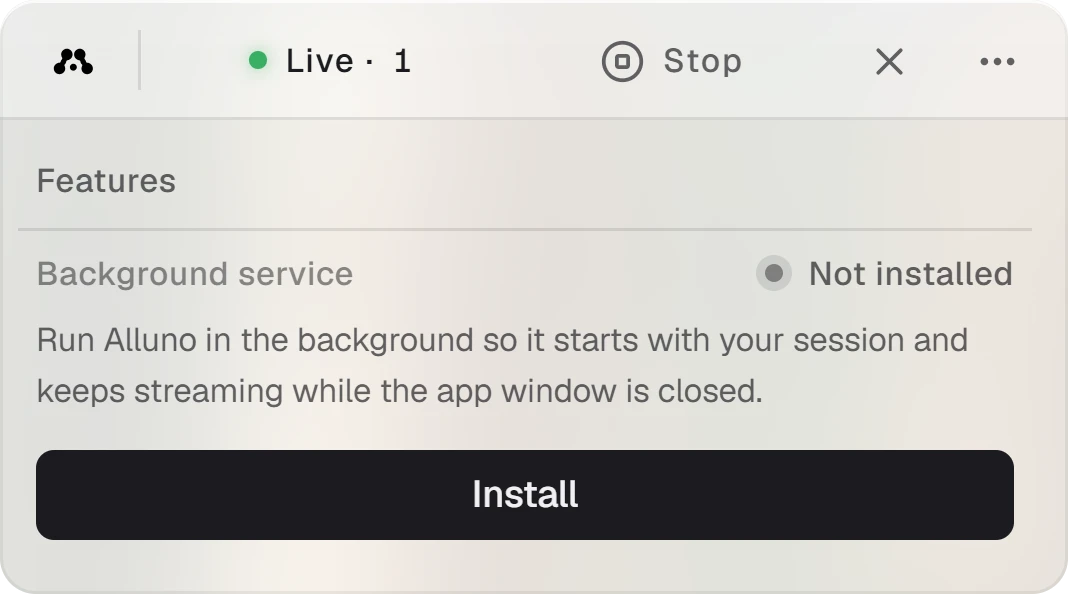
The service runs Alluno without its window, so the computer stays reachable after you close the app. The dot beside it reads Not installed, Installed while the service exists but is stopped, or Running. Install and Uninstall add and remove it.
The service runs as a system service, so streams continue when nobody is signed in and you can reach the sign in screen from your browser. Installing it needs administrator rights, so Windows asks for permission first. The installer does not add the service by itself.
Drivers on Windows
On Windows, Features also lists two drivers, each with its status and installed version.
Gives a computer with no monitor attached a screen to stream, at the resolution your device asks for.
The keyboard and mouse filters and the virtual controller bus, which let the computer take input like a real keyboard, mouse and gamepad.
Download fetches a driver, Open shows the downloaded files, and Delete removes them. Install and Uninstall add the driver to Windows and take it away again.
Profiling