Turn it on
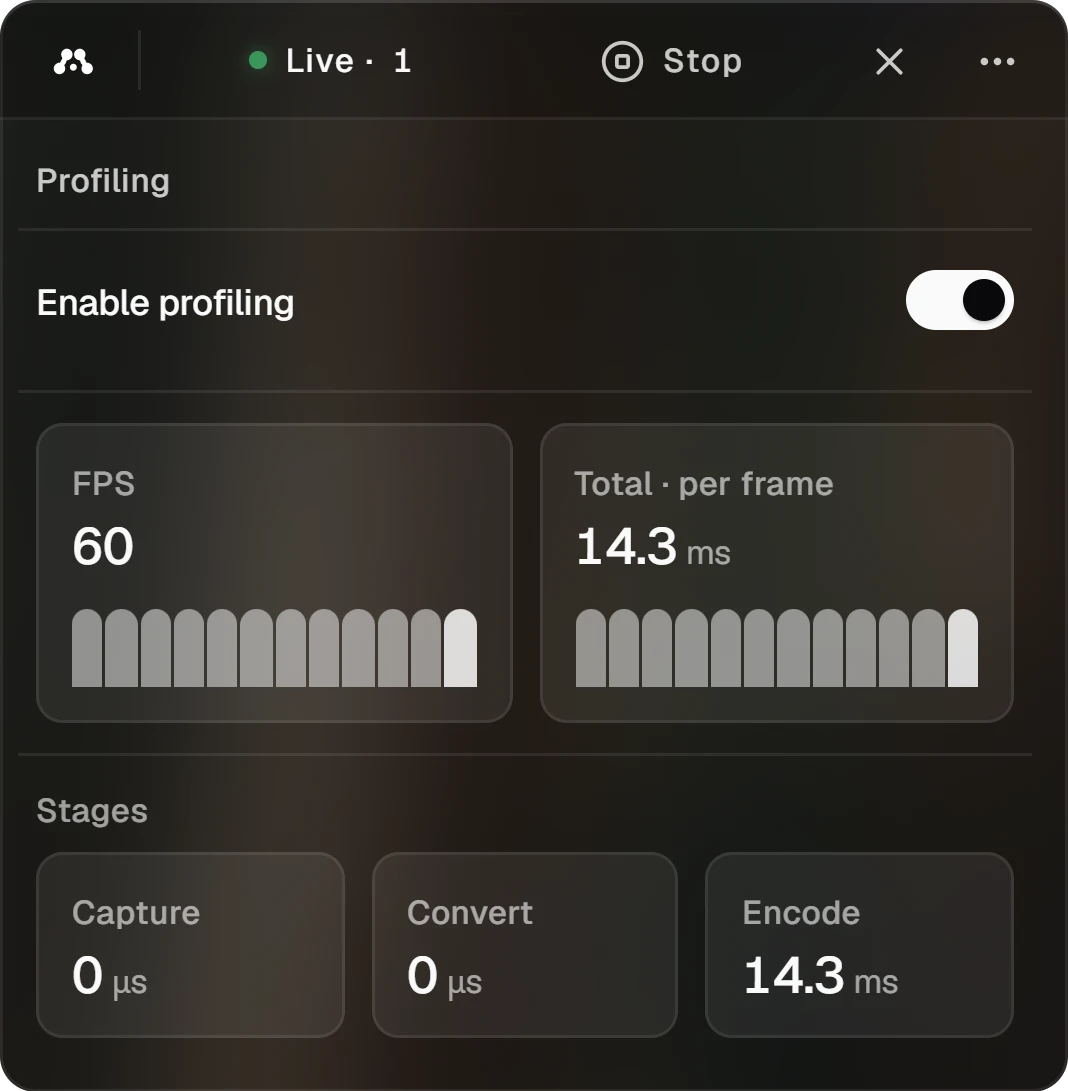
Open the menu on the Alluno bar and choose Profiling, then switch on Enable profiling. The numbers fill in within a few seconds, and the bars show the last moments.
Profiling is in the menu while the app runs the stream itself. With the background service running the stream, it is not there.
Read the numbers
How many frames the computer sends each second.
How long one frame takes from start to finish on this computer. To keep up with 60 frames a second, it has to stay under about 16.7 ms.
Reading the frame from the screen.
Turning the frame into the format the encoder takes.
Compressing the frame into video.
A stage this computer does not time reads zero. On a Mac that is Capture and Convert: macOS hands over each frame ready-made, and the encoder takes it without a conversion.
The time a frame then spends on the way to the viewer shows on the stream page, in its statistics.
Watch and control a machine