What Alluno does
Alluno brings a computer you own to any screen. The app runs on the computer you want to reach, on Windows, macOS or Linux. You open that computer in a browser on a phone, tablet or laptop, with nothing to install there, and use it with your own keyboard, mouse, touch screen or controller while its picture and sound come to you.
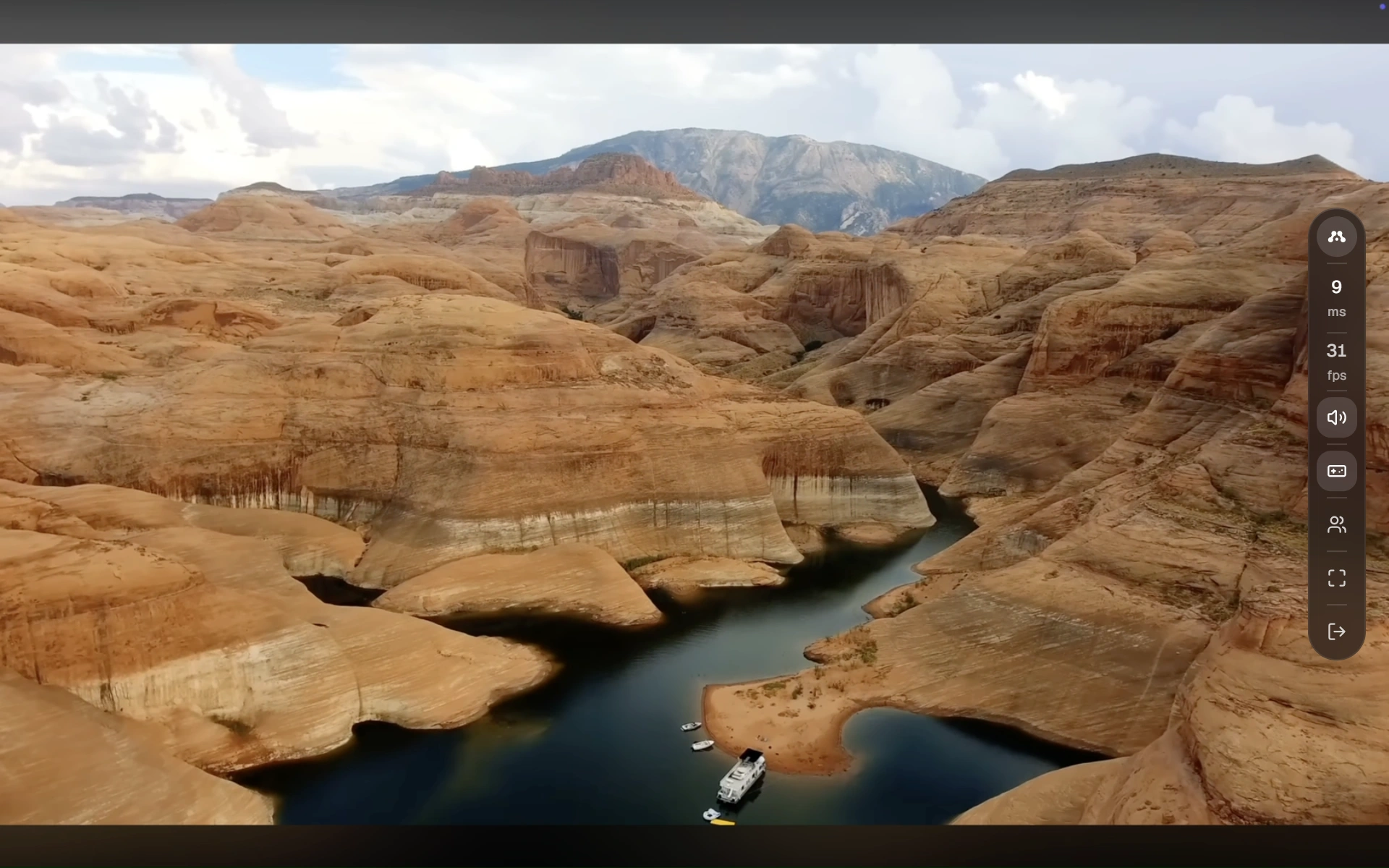
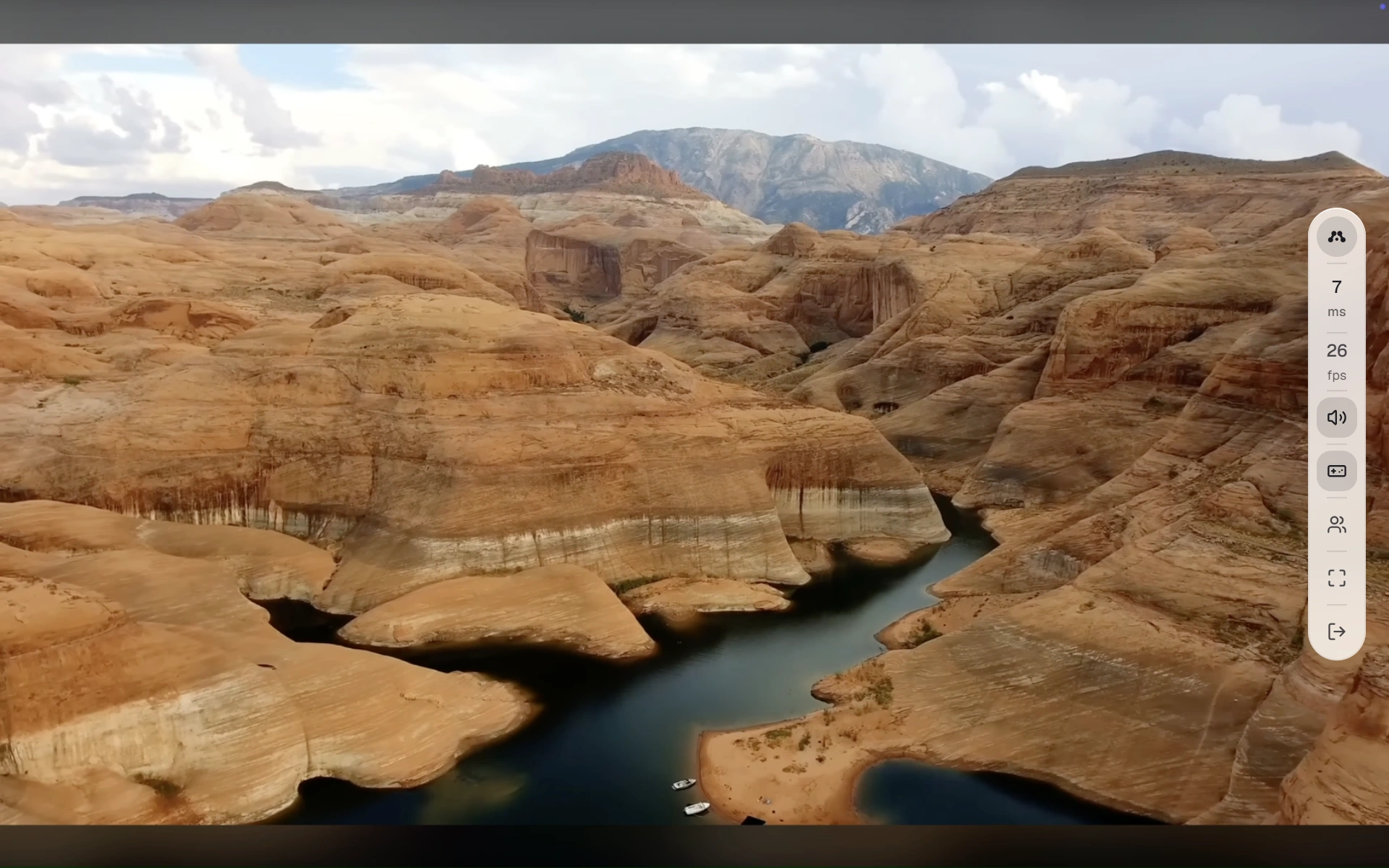
- Play. The tower stays under the desk with its power and cooling, and you play from the sofa, another room or another country.
- Work. Check a build, change a setting or read a log on a computer with no monitor, which behaves like the one at your desk.
- Share. Send someone a link instead of an account. They join from their browser with the controls you allow, for as long as you allow.
How a session works
The app waits on your computer
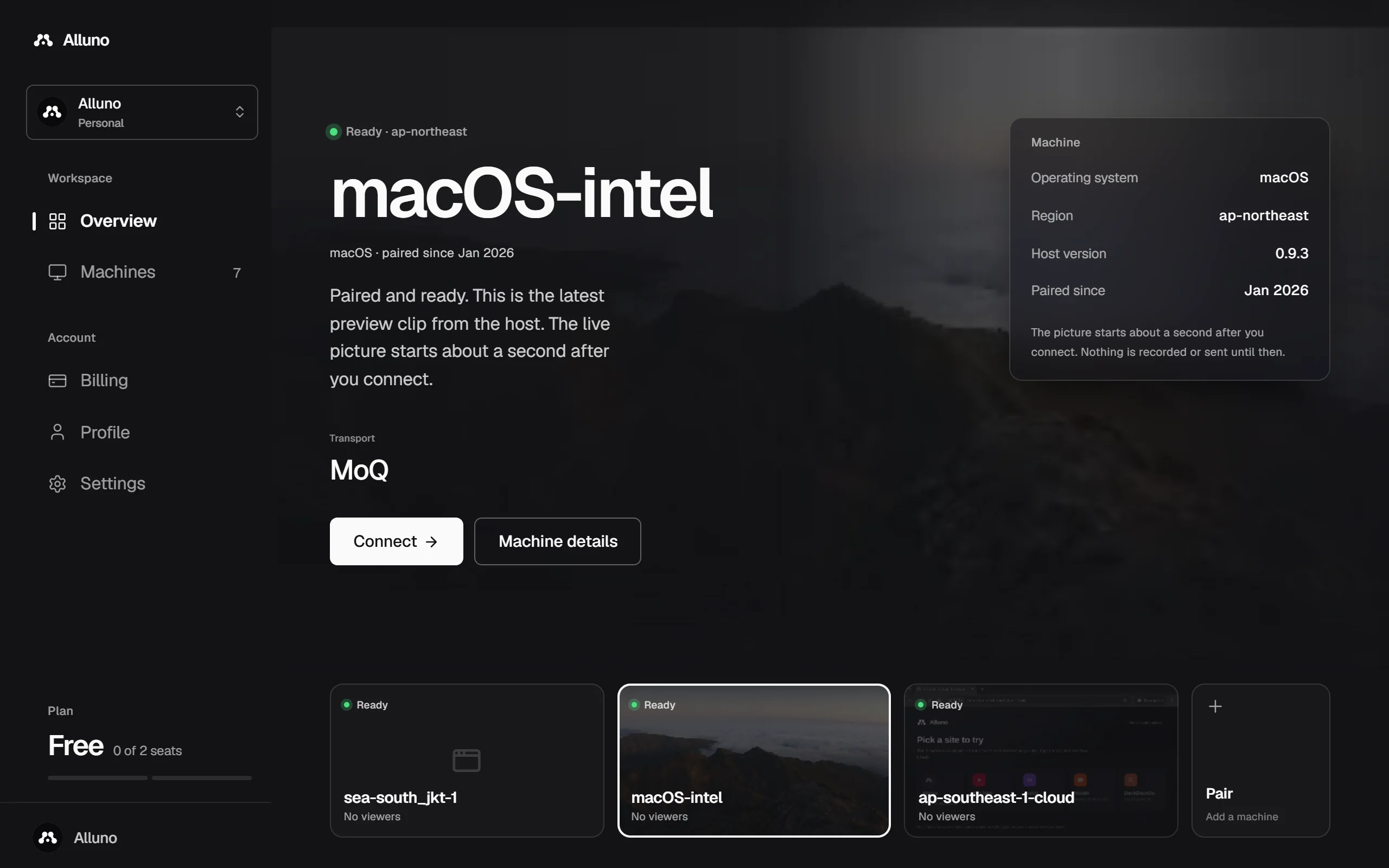
Install Alluno on the computer and pair it with your account. Its bar shows whether it is streaming and how many people are connected. Nothing is captured until someone connects.


You open it from the dashboard
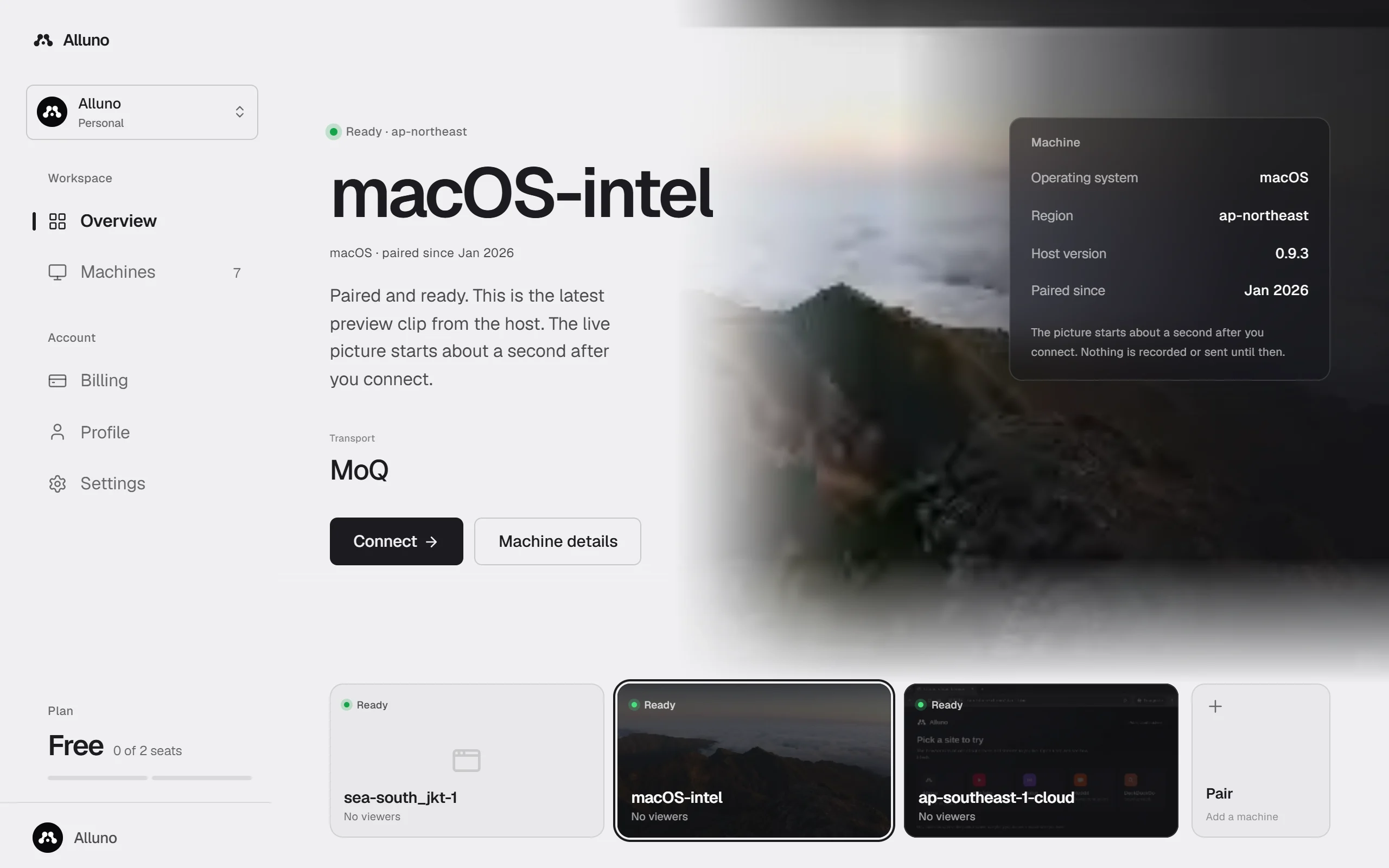
Every machine you can open is on your dashboard, with its state and its latest preview. Choose Connect.
The screen comes to your browser
The picture starts about a second later, and what you type, click and press goes back over the same connection. Close the tab and the computer stops capturing.
A computer with no monitor attached still has a screen to send: Alluno can add a virtual one at the size your device asks for. See Video and audio.
Two ways to carry the picture
Each machine uses one of two transports, chosen by its owner in the machine's settings.
The computer and the viewer connect to each other, directly where the network allows and through a relay where it does not. The shortest path, made for one person at a time.
The picture goes through a relay, so several people can watch at once and a slow connection only holds up its own picture. People on the same network as the computer can connect to it directly.
Both are encrypted. WebRTC is always encrypted end to end. Media over QUIC is encrypted on every hop, and end to end while End to end encryption is on in the machine's settings, which it is by default.
The parts you will meet
Runs on the computer you share. It pairs the computer, shows who is connected, and holds its video, audio and network settings. See The Alluno app.
Every machine you can open, with its state, and the settings, people and plan behind them. See Your dashboard.
Where you watch and control a machine. See Watch and control a machine.
Camera, microphone, screen sharing and chat in the browser, for everyone with the room's link. See Live rooms.
Machines their owners chose to list, open to whoever each machine lets in. See The public devices page.
Source and licensing
Alluno is closed source. The app and the services are proprietary, and their code is not available to copy, change or pass on. Builds are published on GitHub Releases, and their use is covered by the Terms of service.
Alluno is built with a great deal of open source work, which the Credits pages name.
Install Alluno and pair your first machine